Search Appeal
The search appeal tab, will enable administrators to search for any appeal across the entire admin application.

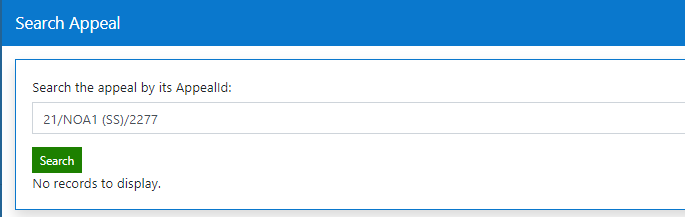
To search for an appeal application, enter the Appeal Id and click 'Search.'
Results will be returned regardless of application state.
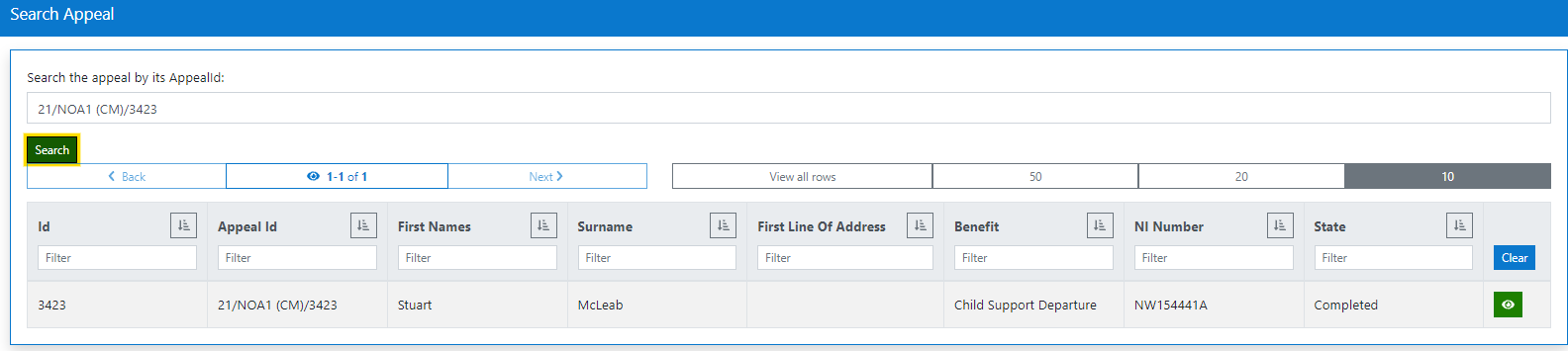
To enter the application details, click the view icon.
If the search criteria does not return a result, a 'No records to display' message will be presented to the user.