Release 1.3.0
The following changes have been made to Notify.
Cancel Scheduled Messages
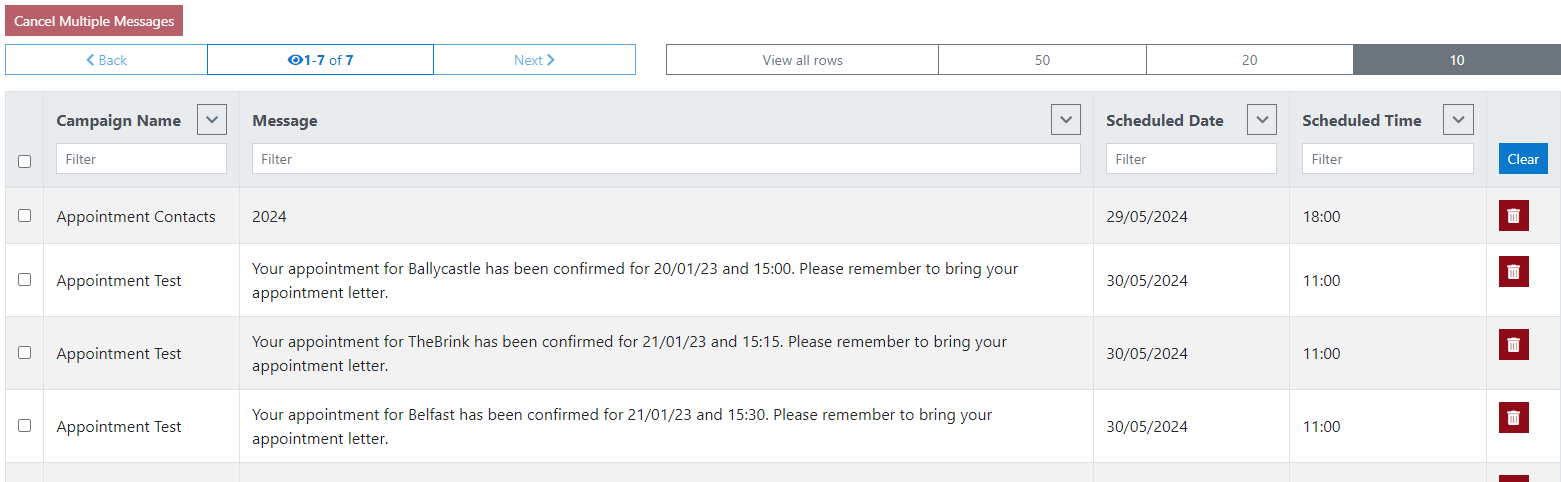
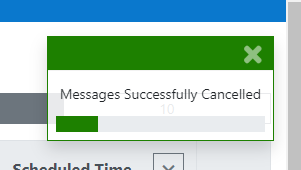
Notify Admin users now have the ablity to cancel scheduled messages that are still pending. Admin can delete one or a number of message at a time, or can select all messages using the checkbox on the top left of the message grid.
Set Retention Per Service
As per Gov.uk Notify Privacy notice, the service will retain all information as long as the service is open, and for 1 year after closure.
| GOV Notify Privacy Notice | https://www.notifications.service.gov.uk/privacy |
In the Digital Toolkit, a retention schedule period can be configured for each Notify service. If a service does not configure a specific retention period, a default 1 year (365 days) for all Notify tenants and services will be enacted.
The retention period days are counted from the Last Scheduled Date for a message. For example, if a message has been scheduled to be sent 5 days from now, under the default retention configuration, that message will be cleared out of the Digital Toolkit 370 days from now (One year and 5 days).
It will not be cleared out of Gov.uk Notify; Gov.uk Notify will implement their own retention policies according to their published privacy notice.