Release 1.12.0
New Functionality
- Prefix
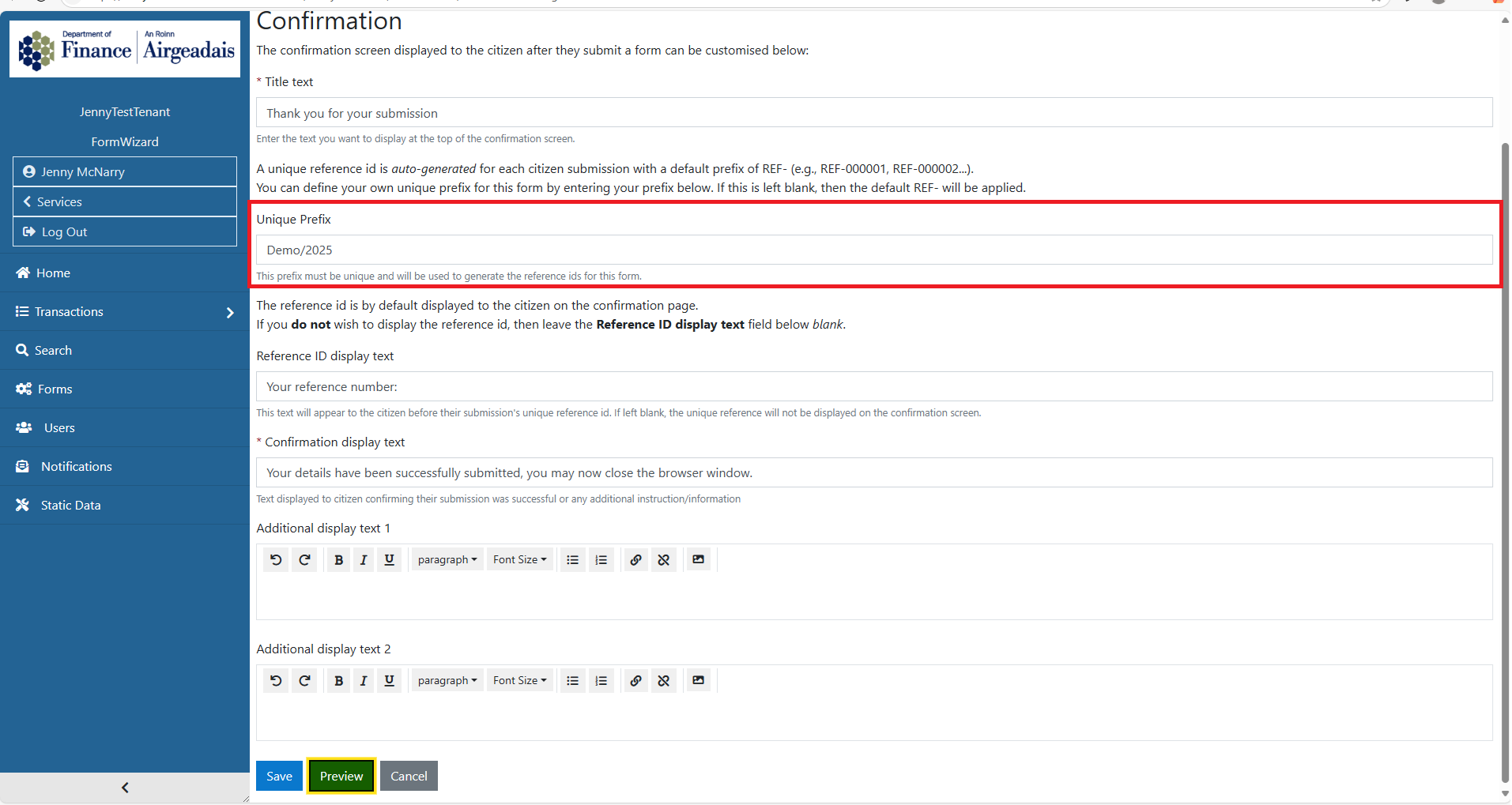
The Admin user can now select to have a unique prefix for their submitted forms. If a unique prefix is to be used, the prefix required should be entered in the appropriate section on the Confirmation screen.
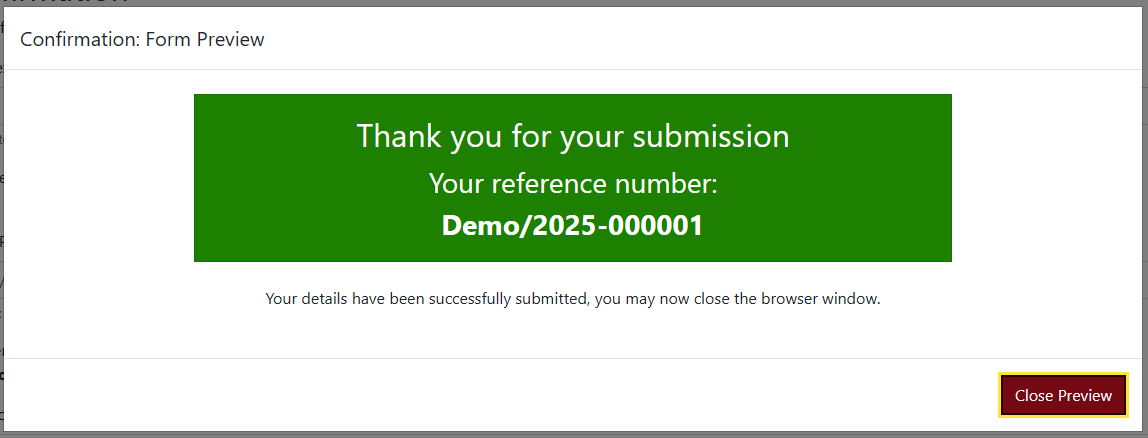
Which will in turn be displayed on the Confirmation screen
and shown as the reference in the reference column of the transaction table.
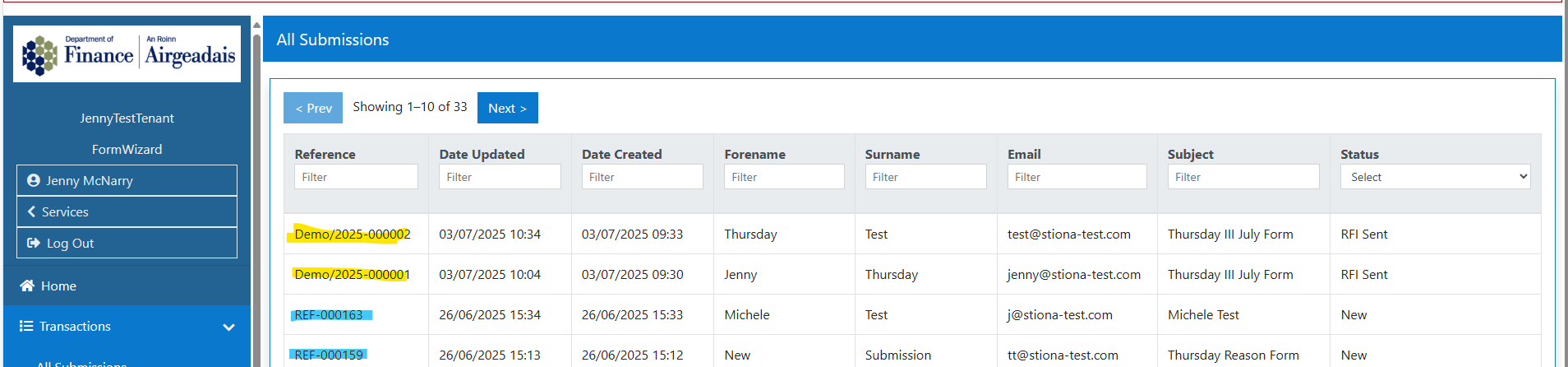
If the unique prefix is not required/used, the general REF- prefix will be used as the default.
If the unique prefix is added and is subsequently removed, the submissions prefix will default to REF - however the numbers will not restart and will continue at the next available number.
- Conditional Fields
Additional fields added to a Form can now be made conditional - that is, displayed/not displayed based on the response to a previous field.
There are a few preconditions to using this functionality
- There must be atleast two fields
- The two fields must be on the same section of the form.
When a new field is added there is a field display condition section.
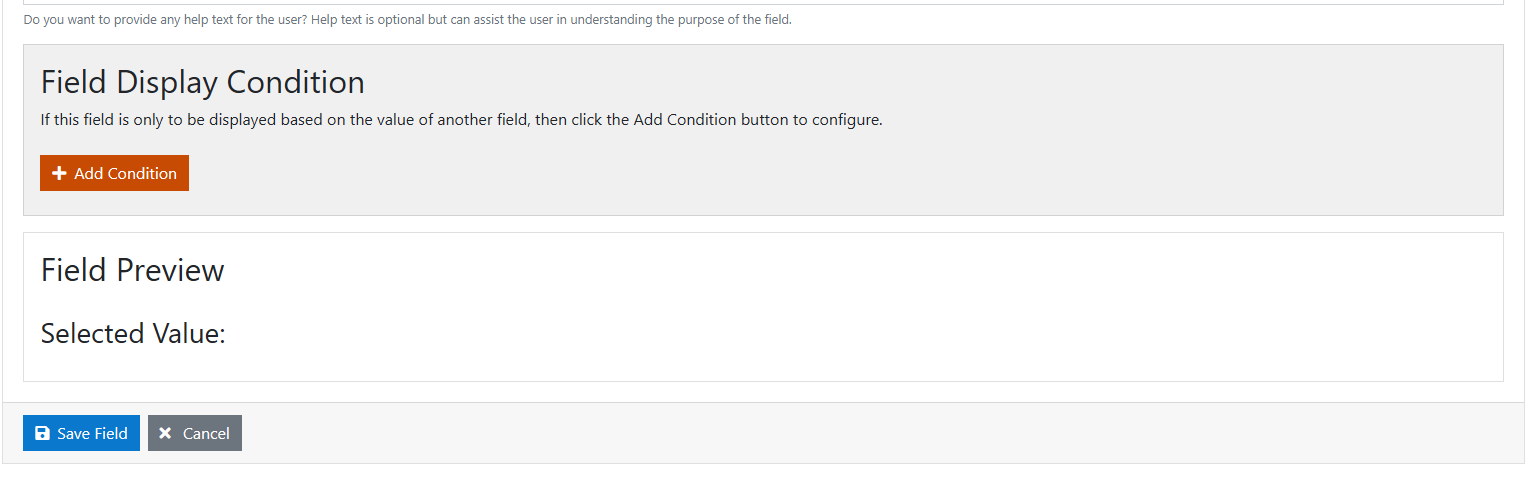
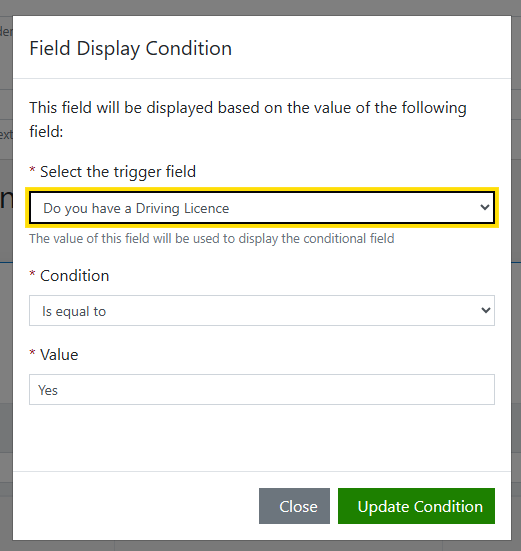
In order to create a conditional field, the parent (trigger) field must already exist. In the example below - the Driving Licence number field, is conditional on the answer of the Do you have a Driving Licence?(trigger)
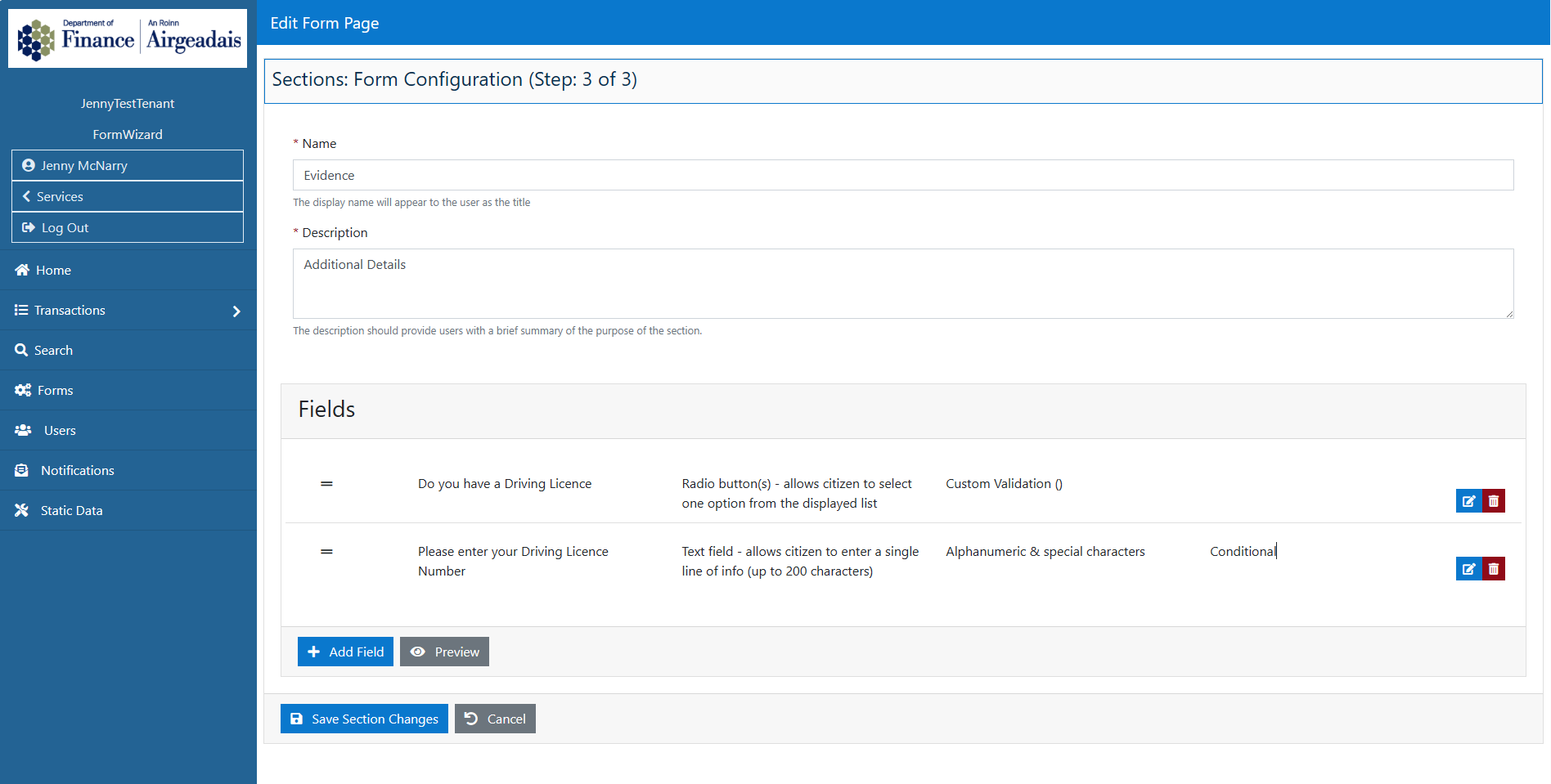
The conditional field is created by Adding the condition and setting the trigger
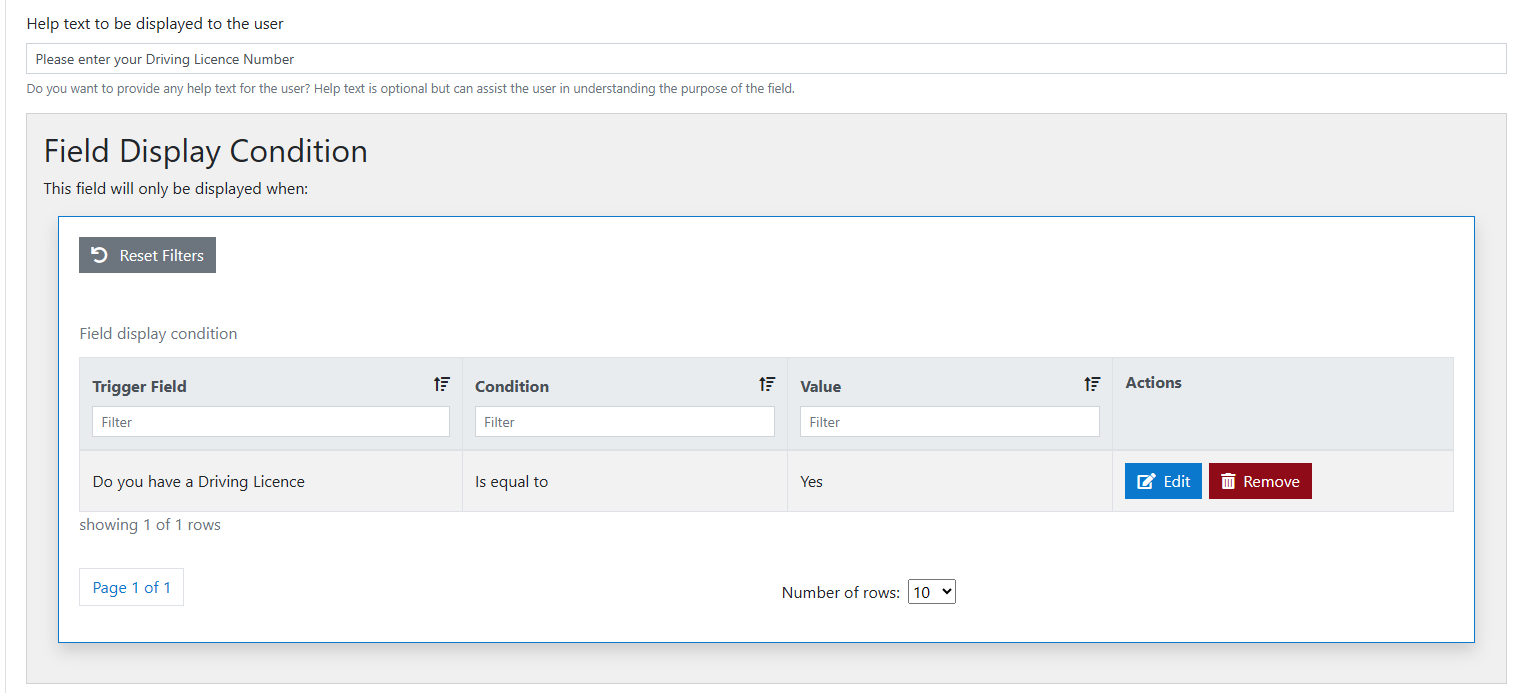
Conditional fields ont he form can be edited or deleted as required.
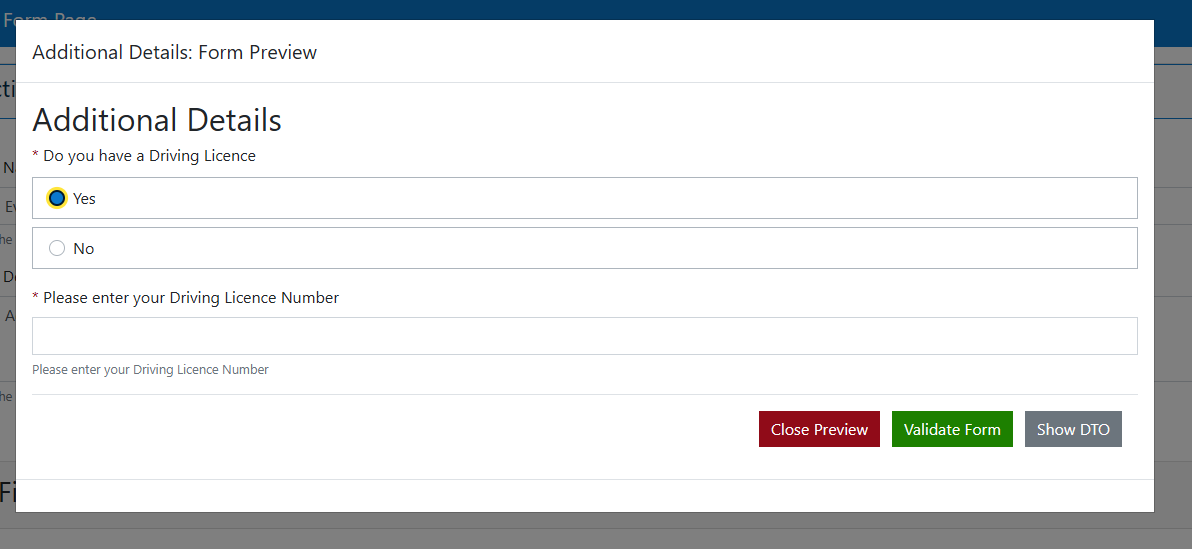
The fields will then display on the public form when the trigger is activated.
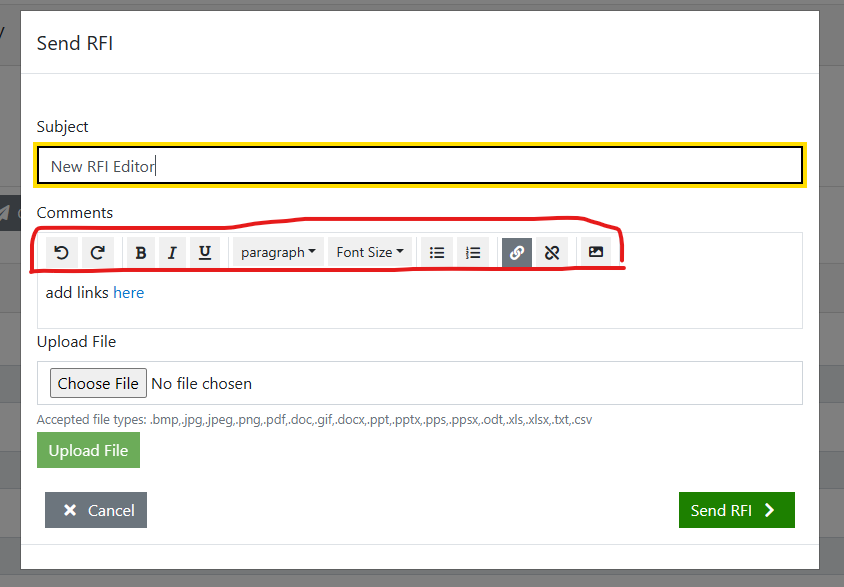
- RFI now enabled for formatting and links
If a user selects to send an RFI on a transaction, the comments section can now be enabled with a text editor - where the text can be formatted and links included.
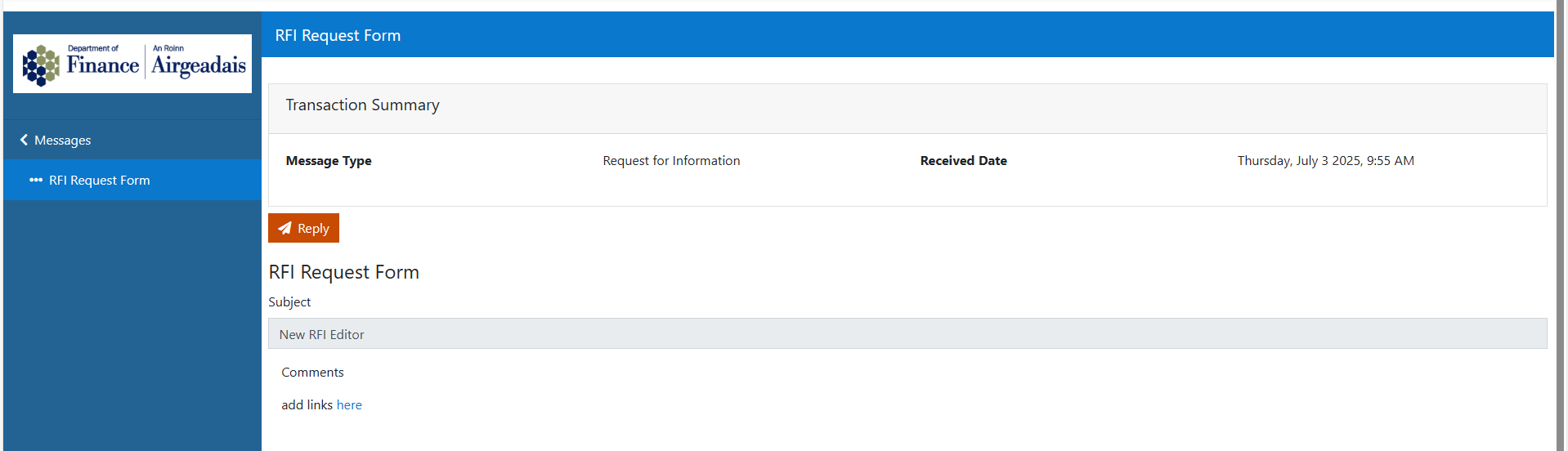
The text and links will display on the public form as designed.
Enhancements
A series of technical enhancements have been implemented to improve the stability of the application for both the Admin and Public views.